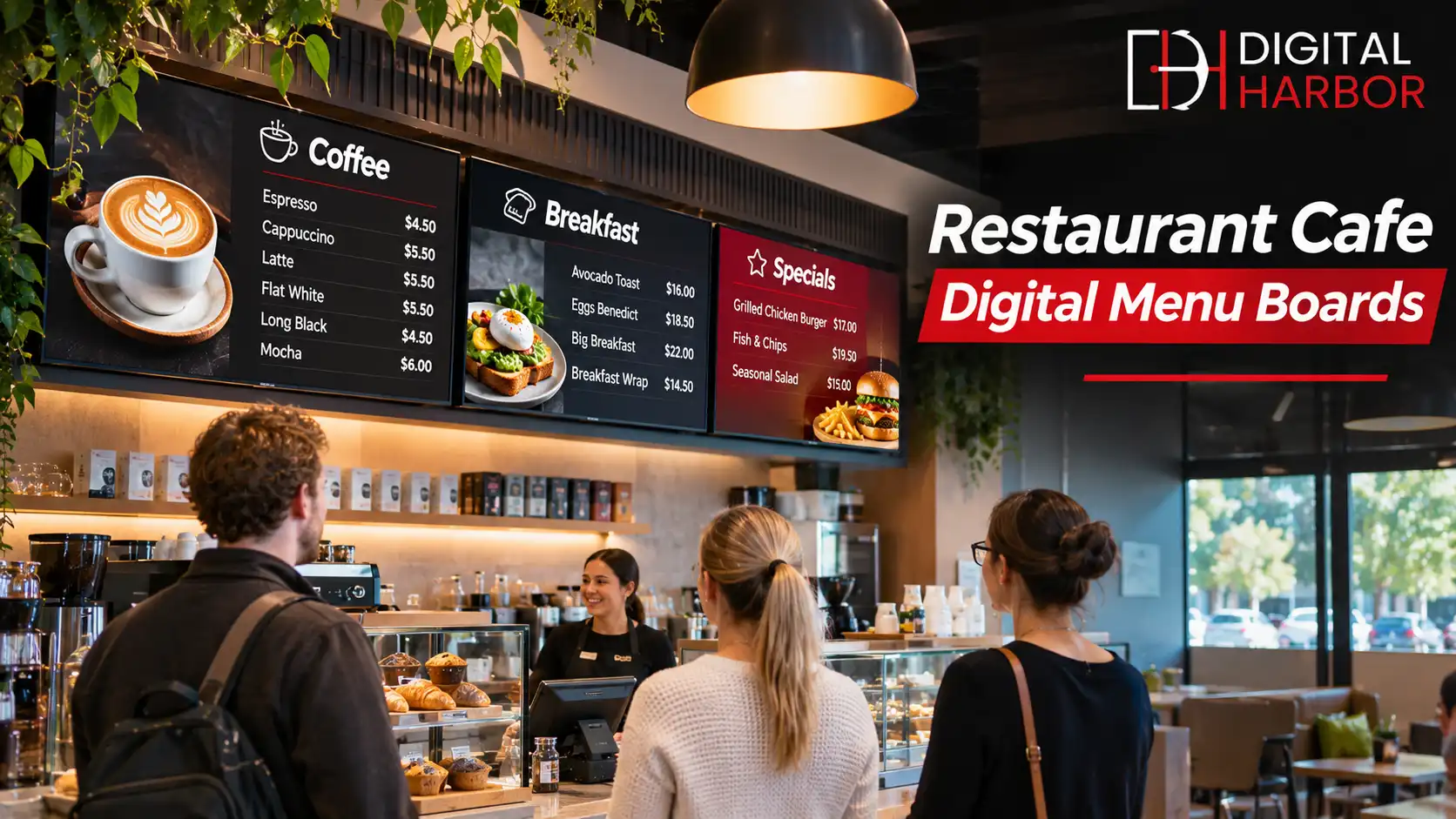
Restaurant digital signage replaces static printed menus with bright screens that you can update in seconds. For restaurants and cafes, digital menu boards help guests order faster, make price and special changes simple, and keep the look of the venue consistent across the day. This guide covers how to plan the layout, what content works, where to place screens and how to avoid common mistakes.
Why Restaurants and Cafes Use Digital Menu Boards
Printed menus take time and money to update. A price rise, a sold-out item or a new seasonal dish can mean reprinting boards or sticking labels over the old text. Screens remove that friction, since a change made in the software appears on every board within moments.
Digital boards also suit the way hospitality venues actually trade. A cafe sells coffee and pastries in the morning and sandwiches at midday, while a restaurant moves from lunch to dinner to late-night drinks. A scheduled screen can follow that rhythm without anyone touching it.
Digital Menu Boards for Different Venue Types
The best setup depends on how customers order and how long they spend deciding.
Cafes and coffee shops
Customers in a cafe queue, glance up and order within seconds. Screens above the counter should be simple, with short item names, clear prices and a few photos of signature items. Two or three screens are usually enough.
Quick service and takeaway
Speed is everything here, so the menu needs a strong hierarchy. Place combos and best sellers at eye level, group items in logical categories and keep specials in a dedicated zone. Our digital menu display screens are made for this kind of high-traffic counter.
Casual and fine dining
Sit-down venues use screens differently. They are more likely to show a drinks list, a tasting menu or a rotating specials board near the entrance or bar, with a style that matches the interior. Slower, more elegant transitions suit this setting better than fast motion.
Bars, pubs and clubs
Drinks lists change often and pricing varies by time, so scheduling is valuable. Screens can promote happy hours, show sports and keep sponsor content on rotation between menu pages.
Planning the Menu Layout
Good menu design makes the next choice obvious. A cluttered screen slows service and overwhelms customers, while a clean one guides them quickly to what they want.
- Limit each screen to around six to ten items, so guests can scan it in a few seconds.
- Use large type that can be read from the back of the queue.
- Align prices in a single column so they are easy to compare.
- Keep strong contrast between text and background, since glare is common near windows.
- Use a few high-quality photos for hero items rather than an image for every line.
- Reserve one zone for specials or promotions that you update often.
Test the layout from where customers actually stand. What looks perfect on a desktop screen can be hard to read from three metres away.
Where to Place the Screens
Placement affects readability and flow as much as the content does. Mount screens at or just above eye level, directly above or beside the point of order, and away from direct sunlight. Make sure queues do not block sightlines to the screens.
In venues with windows, consider high-brightness displays or an anti-glare finish. For shopfront or window-facing menus, our window display screens are built to stay readable in daylight.
Portrait or landscape
Landscape screens suit most counters and fit standard video content. Portrait screens suit narrow walls, shopfronts and stacked category lists, but they need content designed for that orientation.
Content That Works on a Menu Board
Good screens combine clear information with a little movement to attract attention. Static price lists should dominate the screen, while short looping videos or animated highlights can feature seasonal items and promotions.
Plan content by daypart. Breakfast, lunch, afternoon and evening menus can be built in advance and scheduled, which means staff do not need to change anything during service.
Specials and promotions
A dedicated panel for daily specials keeps the main menu stable. Update it first thing in the morning, or schedule weekly promotions ahead of time, so the screen always feels current.
Allergen and nutrition information
Many venues need to show allergen notes or dietary icons. Keep these small and consistent, and check requirements with your local food authority so the information is accurate and visible.
Software and Remote Updates
Menu board software, often called a content management system, controls what each screen shows and when. Look for a simple editor with menu templates, scheduling, instant price updates and remote access, so you can fix a typo from your phone instead of driving to the venue.
Multi-site groups benefit from central control, where head office manages the core menu and each venue can adjust local specials. Ask whether the software supports user roles, so managers cannot accidentally change the whole brand menu.
Choosing the Right Screens
Commercial displays are designed for long hours, hot environments and bright rooms. They typically offer higher brightness than consumer TVs, better heat management and warranties that cover business use.
- Brightness of 500 nits or more for indoor counters, and higher near windows.
- Rated for extended or 24/7 operation if the venue trades late.
- Screen sizes from 43 to 65 inches suit most counters, with larger sizes for big spaces.
- Clear mounting options, including wall brackets, ceiling mounts and floor stands.
- Reliable media players with remote management built in.
Heat and grease are real concerns near kitchens and fryers. Choose mounting positions with airflow, and avoid placing screens directly above cooking equipment.
Costs to Plan For
Total cost is more than the screens. Budget for the displays, mounts, media players, software subscription, installation and content design. Ongoing costs include software fees and occasional content updates.
Ask for a written quote that lists each item so you can compare suppliers fairly. Our guide to digital signage pricing in Australia shows what a typical quote should include.
Installation and Setup
Most cafe installs are straightforward, but a few points save time and money.
- Confirm the wall or ceiling structure can carry the screens.
- Plan power and data points close to each screen, ideally hidden in the wall.
- Choose mounting heights and angles that suit staff and customers.
- Load the menu templates and run a test across the full day schedule.
- Train staff to update specials and report faults.
Schedule the work outside trading hours where possible, so the venue loses no sales during installation.
Common Mistakes to Avoid
Overcrowded screens are the most common problem. Venues try to show every item at once, and customers end up reading nothing. Other frequent issues include text that is too small, poor contrast under bright light, menus that are never updated and consumer TVs that fail after months of constant use.
A simple layout, a reliable commercial screen and a clear update routine solve most of these problems before they start.
A Simple Day-to-Day Routine
Screens only work when someone looks after them. A short routine keeps the menu accurate without adding to the workload of a busy team.
Daily
Check that every screen is on and showing the right menu when you open. Update sold-out items and add the day's specials before the first rush.
Weekly
Review prices, remove items that no longer sell and schedule next week's promotions. Wipe the screens with a soft dry cloth, and check that nothing blocks the vents.
Seasonally
Refresh photography, review layouts and look at which items customers order most. Small changes to the order of items or the size of a hero photo can make a noticeable difference to what people choose.
Give one person responsibility for the menu content, and make sure a second person knows how to take over if they are away. That simple rule keeps the screens accurate during holidays and busy periods.
Frequently Asked Questions
What is the best digital menu board setup for a small cafe?
Most cafes do well with two or three landscape screens above the counter: one for coffee and drinks, one for food and one for specials or promotions. Keep each screen to a handful of items and use large, high-contrast text so customers decide quickly.
Can a restaurant change its digital menu board by time of day?
Yes. Scheduling software lets you show breakfast, lunch and dinner menus automatically, and switch to a happy hour or specials screen at set times. Sold-out items can be removed from the screen in seconds.
Do digital menu boards increase sales?
Many venues find that well-designed screens help guide customers to higher-margin items and add-ons, and make price changes quicker. Results vary by venue, so track average order value before and after the change to see the effect for your own business.
Do I need a screen made for restaurants, or will a TV do?
Commercial displays are built for long operating hours, handle heat from kitchens and counters better, and come with warranties that cover business use. A consumer TV is cheaper at first but is not designed to run all day.
How long does it take to install digital menu boards?
A simple cafe installation can be done in a day, including mounting, cabling and content setup. Larger restaurants or multi-site rollouts take longer, mainly because of cabling, structure and content approvals.
Plan Your Digital Menu Boards With Digital Harbor
Digital Harbor supplies and installs digital menu boards for restaurants, cafes and takeaway venues across Australia. Tell us about your venue, counter layout and menu, and we will recommend a screen setup with a written quote. You can also see our recent work or contact us for a free consultation.