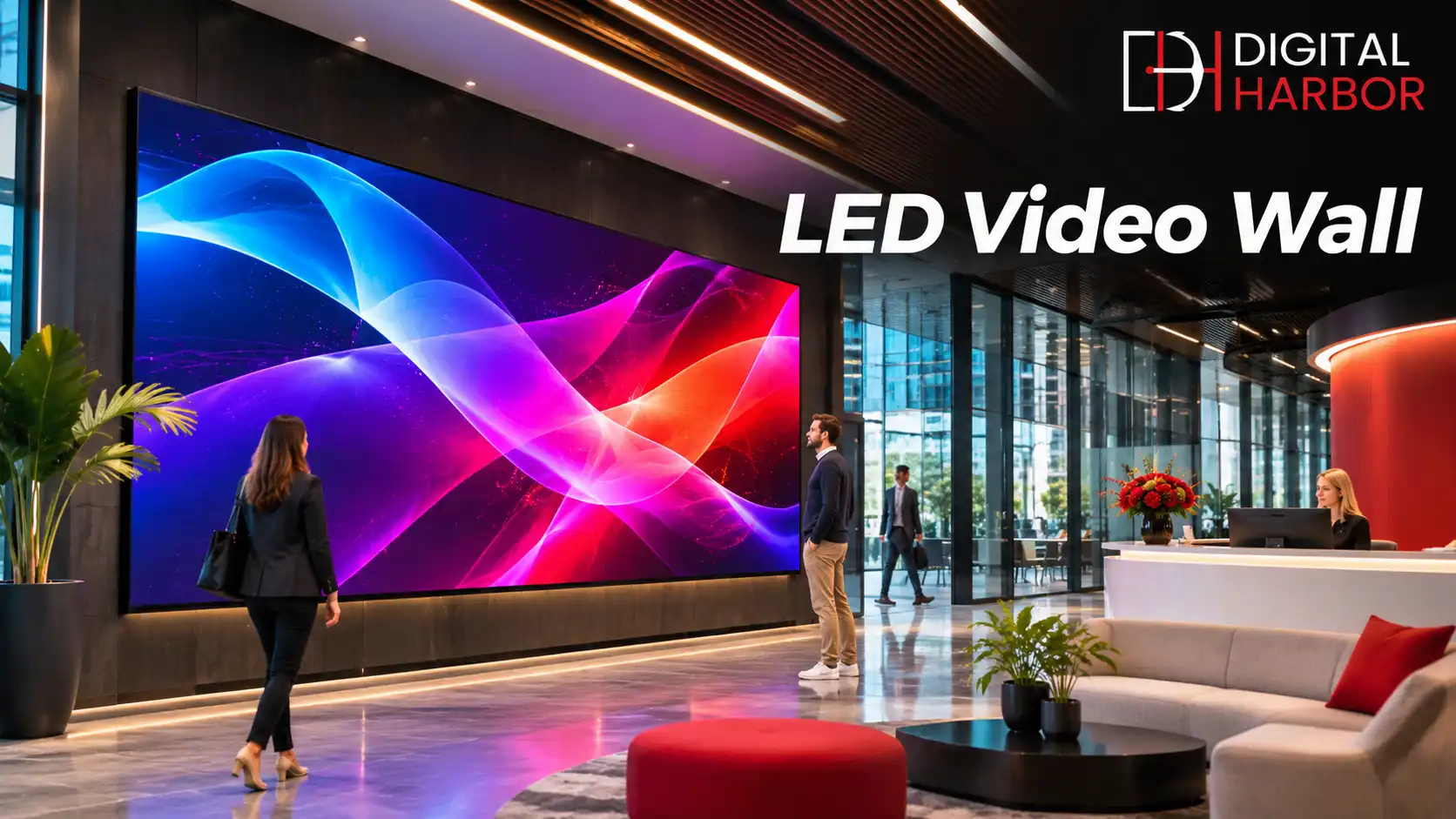
An LED video wall turns a blank wall into one large, bright screen with no visible gaps. It is built from modular LED cabinets that join together, so the surface can be almost any size or shape you need. This guide explains how an LED video wall works, what the specifications mean, and how to plan a project that suits your space and budget.
What Is an LED Video Wall?
An LED video wall is a display made of many small LED modules mounted in cabinets, then tiled into a single canvas. Each module carries thousands of tiny red, green and blue diodes that emit light directly. Because there is no backlight or glass panel to frame the image, the result is a continuous picture with no bezels.
That construction is the main difference from an LCD video wall, which tiles separate monitors and leaves thin seams between them. LED walls also reach much higher brightness, so they stay readable in bright lobbies, shopfronts and open venues where an LCD would wash out.
Businesses use them for advertising, branding, wayfinding, live event stages and control rooms. A single wall can show video, live feeds, social content, menus or data dashboards, and it can change messages in seconds.
How an LED Video Wall Is Built
Every wall has four layers that work together. Knowing them helps you read a quote and compare suppliers fairly.
- LED modules carry the diodes and form the visible surface.
- Cabinets hold the modules, supply power and lock together to create the full wall.
- A video processor scales content to the wall resolution and manages colour and brightness.
- A media player or computer sends the content, either from local files or from cloud scheduling software.
Most commercial cabinets are front-serviceable, meaning a technician can swap a faulty module without removing the whole wall. That detail matters on walls built into a recess, where rear access may not exist.
Cabinet sizes and shapes
Standard cabinets are often 500 by 500 mm or 500 by 1,000 mm, which makes common aspect ratios such as 16:9 straightforward. Curved cabinets, corner joins and irregular layouts are also possible, which is where a custom-size LED display becomes the better route than a fixed screen size.
Pixel Pitch: The Spec That Decides Image Quality
Pixel pitch is the distance in millimetres between the centres of two neighbouring pixels. A smaller pitch packs more pixels into each square metre, which gives a sharper picture and allows people to stand closer without seeing individual dots.
Smaller pitch also raises the price, because more diodes and driver chips are needed. Buying a finer pitch than the viewing distance requires is one of the most common ways to overspend.
Matching pitch to viewing distance
- 1.2 to 1.9 mm suits boardrooms, reception desks and retail counters where people stand within two or three metres.
- 2 to 3 mm suits lobbies, showrooms and shopping centres with a viewing distance of three to six metres.
- 4 to 6 mm suits large halls, stages and venues where the audience is further back.
- 6 to 10 mm and above suits outdoor billboards seen from the street.
Measure the real distance from the wall to the closest and furthest viewers before you choose. If most of your audience is far away, a coarser pitch gives the same visual result for a much lower cost.
Indoor vs Outdoor LED Video Walls
Indoor and outdoor walls look similar but are engineered differently. Indoor panels run at roughly 600 to 1,500 nits, because they compete with ambient lighting rather than the sun. Outdoor panels often exceed 5,000 nits and use sealed cabinets with a high ingress protection rating, plus cooling designed for Australian summers.
Semi-outdoor locations such as covered entrances, atriums and shopfront windows sit in between. A window-facing wall usually needs a high-brightness indoor product, since direct sun through glass can overpower a standard panel. For fully exposed locations, see our range of outdoor LED screens.
Where LED Video Walls Work Best
The strongest results come from spaces where people pause, queue or gather, because the wall has time to deliver its message.
Retail and shopping centres
A wall behind the counter or in a central atrium draws attention from a distance and lets you rotate promotions by time of day. Brands also use large walls to show campaign video that would be impossible on printed signage.
Corporate and reception areas
Head offices use LED walls for branded welcome screens, internal announcements and visitor information. A seamless canvas behind reception creates a strong first impression and replaces a printed logo wall that cannot change.
Hospitality, venues and events
Hotels, clubs, theatres and conference centres use LED for stage backdrops, wayfinding and sponsor displays. Fixed installations suit permanent venues, while temporary walls can be hired for single events.
Control rooms and broadcast
Monitoring centres and studios value the lack of seams and the consistent colour across the wall. They often pair LED with a controller that can show many sources at once.
LED vs LCD Video Walls
Both technologies have a place. LED suits larger surfaces, bright spaces, unusual shapes and walls viewed from a distance. LCD suits smaller walls, close viewing and text-heavy content such as data dashboards, where a slim bezel is acceptable and the cost per square metre is lower.
As a guide, if the wall is larger than about three metres wide or sits in a bright space, LED usually wins. If it is a compact two-by-two or three-by-three arrangement in a controlled room, LCD is often the more economical option.
What Affects LED Video Wall Cost
No two walls cost the same, so any price you see online is only a starting point. These are the factors that move a quote the most.
- Pixel pitch, since finer pitch means more diodes per square metre.
- Total size and the number of cabinets required.
- Indoor or outdoor rating, with outdoor products costing more to build.
- Mounting structure, including wall fixing, rigging or a freestanding frame.
- Power, data cabling and any electrical upgrades on site.
- Controllers, processors and content management software.
- Installation access, such as lifts, scaffolding or after-hours work.
- Warranty length and service level.
Ask every supplier to price the same scope, then compare line by line. Our guide to digital signage pricing in Australia explains how to spot gaps in a quote.
Installation: What Happens on Site
A good installation starts well before the panels arrive. The structure, power and data need to be ready, or the install day turns into a series of delays.
Structure and ventilation
The wall must be fixed to a surface that can carry the full weight, including the cabinets and frame. Heat is the main enemy of LED, so recessed walls need airflow, and enclosed rooms may need dedicated cooling.
Power and data
Large walls draw significant current, so power is normally split across several circuits with a dedicated distribution board. Data runs from the processor to each cabinet, and a backup path keeps the wall running if one cable fails.
Calibration and testing
After assembly, technicians calibrate brightness and colour so every cabinet matches. They then test the wall with solid colours and sample content before handover, which is also the right moment to train your staff on the controls.
Content and Control Software
A wall is only as good as the content on it. Plan for the native resolution of your wall, since a wall that is 1920 by 540 pixels will look poor if you feed it standard 16:9 video. Your supplier should give you exact pixel dimensions and a content template.
Scheduling software lets you queue playlists by day and time, update several walls at once and monitor their health remotely. For walls in more than one location, cloud-based control saves a great deal of travel.
Maintenance and Service Life
LED walls need little routine care, but they are not maintenance-free. Dust the surface gently with a dry microfibre cloth, check ventilation openings each quarter and keep a small stock of spare modules from the same production batch so colours stay consistent.
Ask about the warranty on modules, power supplies and controllers separately, and confirm who attends on site when something fails. A clear service agreement is worth more than a slightly cheaper panel.
How to Plan Your LED Video Wall Project
- Define the goal, such as advertising, branding, information or live events.
- Measure the wall space and the viewing distances.
- Choose the pixel pitch that fits those distances.
- Confirm structure, power and data requirements with a site visit.
- Decide on content sources and who will manage them.
- Request a written quote with delivery, installation and warranty included.
- Check council or building requirements for any external or street-facing sign.
Working through these steps before you contact suppliers makes quotes easier to compare and shortens the project.
Frequently Asked Questions
What is the best pixel pitch for an indoor LED video wall?
It depends on how close people stand. A common rule of thumb is about one metre of viewing distance for every millimetre of pixel pitch, so a 2.5 mm wall suits viewers 2.5 metres or more away. Lobbies and meeting rooms often use 1.5 to 2.5 mm, while large venues can use 3 to 4 mm.
How long does an LED video wall last?
Quality LED panels are commonly rated for 50,000 to 100,000 hours, which is more than a decade of typical business use. Real life depends on brightness settings, ventilation, power quality and how quickly faulty modules are replaced.
Can an LED video wall be installed outdoors?
Yes, but it needs an outdoor-rated product with a high ingress protection rating, much higher brightness and proper drainage and cooling. Indoor panels are not designed for rain, dust or direct sun and will fail quickly outside.
How much does an LED video wall cost?
Cost depends on pixel pitch, total size, indoor or outdoor rating, structure, installation access and control software. A smaller pitch costs more per square metre, so the most reliable way to budget is to request a written quote based on your site and viewing distance.
Do I need council approval for an LED video wall?
Indoor walls generally do not. Outdoor or street-facing illuminated signs often do, and the rules differ by council and state. Check with your local council before ordering, and ask your supplier to help with the drawings.
Talk to Digital Harbor About Your LED Video Wall
Digital Harbor supplies and installs LED video walls for businesses across Sydney and Australia. Share your space, viewing distance and budget, and we will recommend a configuration and provide a written quote. You can also see our recent work or contact us for a free consultation.