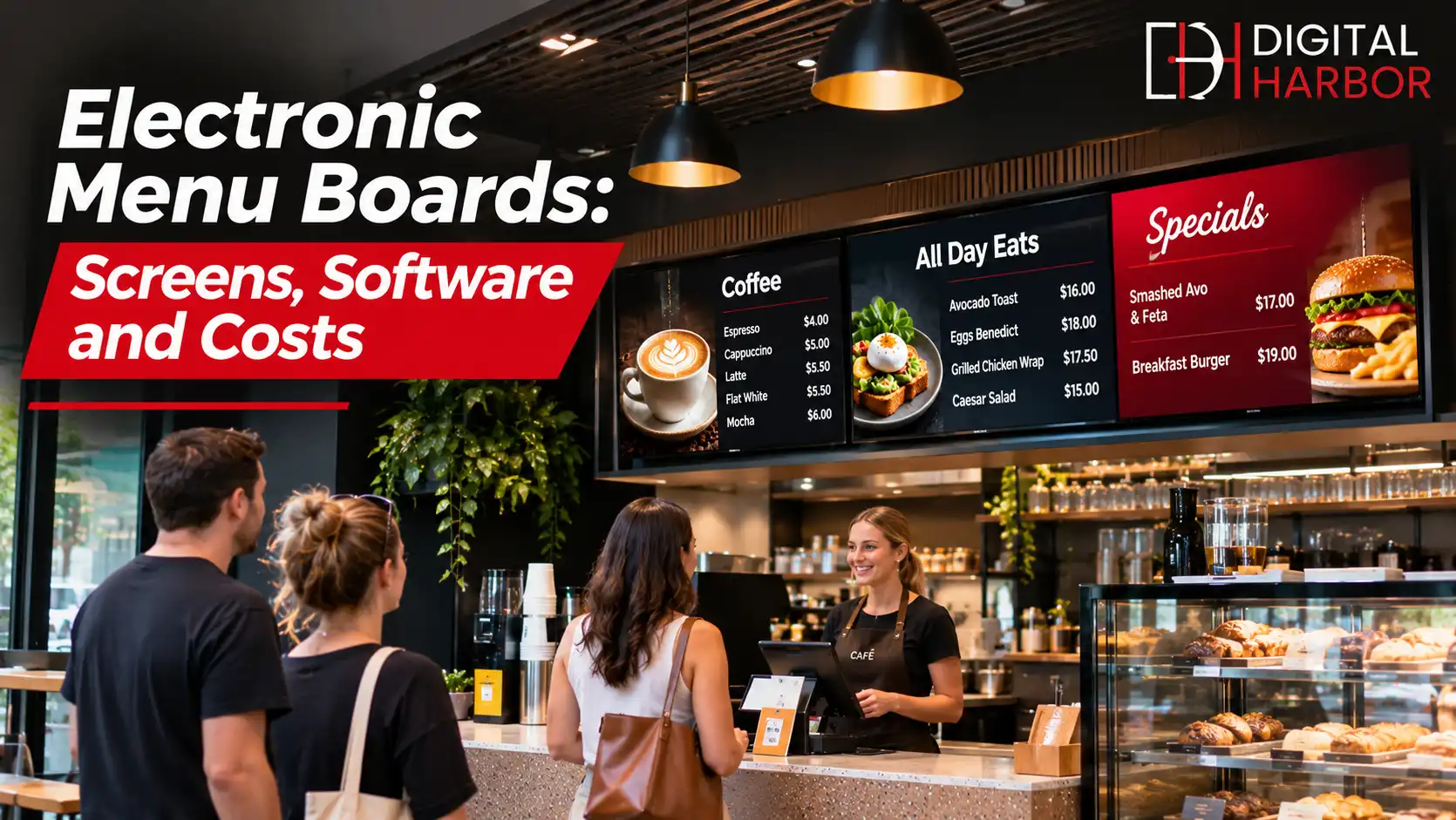
Electronic menu boards are digital screens that display menus, prices and promotions in place of printed signs. They suit cafes, restaurants, bakeries, takeaway shops, canteens and food courts that want to update items quickly and keep every screen consistent. This guide focuses on the hardware and software choices behind electronic menu boards, so you can compare options and buy with confidence.
What Is an Electronic Menu Board?
An electronic menu board has three parts: a screen, a media player and software. The screen shows the picture, the player stores or streams the content, and the software lets you edit menus, set schedules and push changes to one screen or many.
Some displays have the player built in, which keeps wiring simple. Others use a small external player that connects by HDMI, which gives more flexibility for larger or more complex setups.
Types of Electronic Menu Boards
Most venues choose between a few main hardware formats. Each has strengths and trade-offs.
LCD commercial displays
LCD screens are the standard choice for indoor counters. They are available in many sizes, offer sharp text and colour, and cost less than other formats. Commercial models are rated for long operating hours, unlike consumer televisions.
High-brightness displays
Venues with big windows or semi-outdoor counters need screens that stay readable in sunlight. High-brightness displays reach around 1,500 nits or more, compared with roughly 350 to 500 nits for a typical indoor model. They cost more, but they avoid washed-out menus near glass.
LED menu boards
LED menu boards are built from modular LED panels and can be made in almost any size and shape. They are very bright, which suits drive-thru lanes, outdoor kiosks and large feature walls. For custom-sized or outdoor installations, see our custom LED displays.
Touch and interactive menus
Touchscreens let customers browse a menu, filter by dietary needs or place an order at a kiosk. They need more careful software and cleaning routines, so they suit venues with a clear plan for self-service.
Electronic Menu Boards vs Printed Menus
Printed boards and backlit light boxes are cheap to start but expensive to change. Every price rise or new item means new artwork, printing and installation. Electronic boards cost more at the start, then save time and money on every change afterwards.
They also give you things print cannot: scheduled menus, animated promotions, sold-out controls and multiple languages. For venues that change their menu often, the gap widens each year.
Key Specifications to Compare
A few specifications matter more than the rest. Compare these across suppliers instead of focusing only on screen size and price.
- Brightness, measured in nits, which should suit your lighting and any sunlight nearby.
- Resolution, with full HD enough for most counters and 4K useful for large screens.
- Operating hours, since commercial panels are rated for long daily use.
- Orientation support, because some displays are designed for landscape only.
- Connectivity, including HDMI, network and USB, for players and updates.
- Warranty length and the terms for commercial use.
- Mounting options and VESA compatibility for brackets and frames.
Ask suppliers to confirm every figure in writing. Brightness and operating hours are the two numbers that most often differ between marketing and the real product.
Digital Menu Board Screens for Different Spaces
Size and brightness follow from the space, so start with the room rather than the product catalogue.
Small counters and cafes
Two or three 43 to 55 inch screens above the counter are usually enough. Use a bright, high-contrast design and keep the number of items on each screen low. Our digital menu board displays are designed for this type of venue.
Food courts and large venues
Bigger spaces need larger screens or video walls to be readable from a distance. A group of matched screens can also split a long menu into clear categories across the wall.
Outdoor and drive-thru
Weather, glare and viewing distance call for sealed, high-brightness units, often with climate control inside the cabinet. These are specialist products and usually need professional design and installation.
Software: The Part Most Buyers Overlook
Hardware gets the attention, but software decides how easy the boards are to live with. Look for a clear editor, menu templates, scheduling, remote updates and the ability to manage many screens from one dashboard.
Check how the software handles offline situations. Good players keep playing the last schedule if the internet drops, so the screens never go blank in the middle of a lunch rush.
Pricing models
Software is usually sold as a monthly or annual subscription per screen. Compare what each plan includes, such as templates, support, storage and the number of users. A cheap plan with limited features can end up costing more when you add extras.
Buying Electronic Menu Boards: What to Expect to Pay For
Prices vary widely, so use a quote rather than a price list. The total cost normally covers:
- Screens, with size and brightness as the main drivers.
- Media players, unless built into the display.
- Mounts, brackets or freestanding frames.
- Cabling and power work on site.
- Content design and menu templates.
- Installation and commissioning.
- Software subscription and support.
Our guide to digital signage pricing in Australia explains how to compare these items between suppliers.
Installation and Setup Checklist
- Measure the wall and the viewing distances.
- Choose screen size and brightness to suit the space.
- Check power and data points behind each screen.
- Pick mounts that suit the wall type and allow servicing.
- Set up the software, templates and daily schedule.
- Test everything with real menu content before opening.
- Train staff on updates and basic troubleshooting.
Care and Maintenance
Electronic menu boards need little care, but a routine helps. Wipe screens with a dry microfibre cloth, keep vents clear and avoid placing them directly above fryers or grills. Schedule screens to switch off overnight, which saves power and extends panel life.
Keep a record of serial numbers, warranty dates and supplier contacts in one place, so a faulty screen can be replaced quickly.
Plan one quick review each quarter. Check that every screen matches the others in brightness, that the schedule still reflects your trading hours and that no screen is showing an outdated promotion. A fifteen-minute walk-through is usually enough to catch problems before customers do.
How to Choose a Supplier
The supplier matters as much as the screen, because you will rely on them for support long after installation. Look for a company that visits the site, asks about your menu and trading hours, and explains the trade-offs rather than pushing the most expensive option.
- Ask for references from venues similar to yours.
- Confirm who handles installation, and who attends if something fails.
- Check the warranty terms for both hardware and software.
- Ask how content updates and training are handled after handover.
- Make sure the quote lists every item, including cabling, mounts and software.
Common Buying Mistakes
Several mistakes appear again and again. Buying consumer televisions to save money often backfires, because they are not rated for long hours and may void the warranty in a commercial setting. Choosing a screen that is too dim for the room leaves the menu unreadable in the middle of the day. Ignoring the software leads to boards that nobody updates, and underestimating cabling and power work blows out the install budget.
Start with the room, the lighting and the way customers order. The right hardware and software follow from those answers.
Planning for Growth
Many venues begin with one counter and later add another screen, a second location or a new service such as online ordering. Choose a platform that can grow with you. Software that manages many screens from one account, hardware that uses standard mounts and players that accept updates will all make expansion easier and cheaper.
Keep a simple spare-parts plan as well. One extra player or a spare screen on hand means a fault at a busy venue is fixed in minutes rather than days.
Frequently Asked Questions
What is an electronic menu board?
An electronic menu board is a digital screen that shows a menu, prices and promotions instead of a printed sign. Content is stored on a media player or in the cloud, so you can change items, prices and schedules without reprinting anything.
What size screen do I need for a digital menu board?
Most counters use screens between 43 and 65 inches. The right size depends on how far customers stand from the screen and how many items you show. A good rule is to choose a size where the smallest text can be read from the back of the queue.
Are LED menu boards better than LCD?
LED menu boards, made from LED panels, are very bright and can be built to custom sizes, which suits drive-thru, outdoor and very large indoor walls. LCD screens are cheaper and sharper up close, so they suit most indoor counters. The better choice depends on brightness, size and budget.
Can I buy digital menu boards outright or do I have to lease?
Both options exist. Many Australian suppliers sell the hardware outright and charge a monthly fee for software, while some offer leasing or rental packages. Compare the total cost over three to five years, including software, support and warranty.
How long do electronic menu boards last?
Commercial displays are commonly designed for tens of thousands of operating hours, which is several years of daily use. Keeping the screens ventilated, clean and on a sleep schedule helps them last longer.
Choose Electronic Menu Boards With Digital Harbor
Digital Harbor supplies and installs electronic menu boards for food venues across Australia. Share your counter layout, lighting and menu size, and we will recommend screens, software and a written quote. You can also see our recent work or contact us for a free consultation.