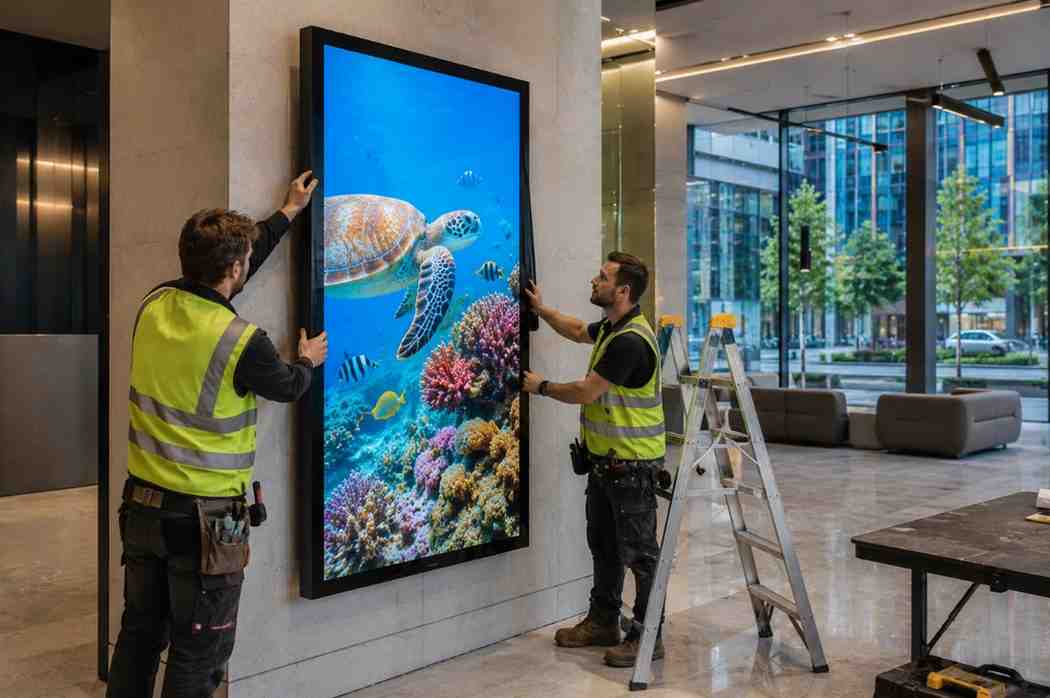
This guide walks you through everything involved, honestly and practically, so you know exactly what you are signing up for before a single bracket gets drilled.
Why Installation Quality Determines Everything
You can buy the best LED display on the market. You can invest in solid content management software. But if the installation is rushed, poorly planned, or handed off to someone who treats it like hanging a picture frame, the whole thing underperforms.
Cabling runs that are not properly managed create interference. Screens mounted at the wrong angle miss their intended audience entirely. Displays installed without accounting for ambient light end up washed out and unreadable during the busiest parts of the day.
In my experience, installation quality is the single most overlooked variable in a digital signage project. Everyone obsesses over screen resolution and software features. Very few people ask the right questions about who is actually doing the physical setup and what their process looks like.
What Professional Digital Signage Installation Melbourne Actually Involves
Professional installation is a multi-stage process. It is not a one-afternoon job in most cases. Here is what a proper, well-managed installation actually covers.
Site Survey and Planning Before anything gets ordered or mounted, a proper site assessment needs to happen. This means evaluating wall materials, ceiling heights, power access points, network connectivity, ambient lighting conditions, and foot traffic patterns. A screen positioned without this information behind it is a guess, not a decision.
Structural Assessment Not every wall can safely support a large commercial display, especially video walls or large-format LED panels. Structural checks ensure the mounting surface can handle the weight and that fixings are anchored correctly. This step gets skipped by inexperienced installers more often than you would think.
Cable Management and Power Supply Clean, hidden cabling is one of the hallmarks of a professional installation. Exposed cables look unprofessional and create safety hazards. Power supply planning also needs to account for the electrical load of your displays, particularly if you are installing multiple screens across one location.
Network and Connectivity Setup Your screens need a reliable connection to your content management system. Whether that is via ethernet, Wi-Fi, or a dedicated network setup depends on your environment. This part of the process is often where budget installations cut corners, leading to dropouts, latency issues, and screens that go offline without warning.
Screen Calibration and Configuration Once physical installation is complete, each screen needs to be calibrated for brightness, colour accuracy, and contrast based on the actual environment it is sitting in. A screen calibrated in a warehouse looks completely different once it is installed in a sun-facing retail window.
Software Integration and Testing The content management software needs to be connected, tested, and confirmed to be pushing content correctly to every display. Scheduling rules get verified. Playlist logic gets checked. This is the phase where you catch problems before your customers do.
The Most Common Installation Mistakes in Melbourne Businesses
Skipping the Site Survey
I have seen this happen more than once. A business owner gets excited about their new displays, skips the site assessment to save time, and ends up with screens installed in positions that simply do not work. One retail store I visited had a beautiful 4K display installed directly opposite a floor-to-ceiling glass window. The glare made it nearly unreadable for six hours every afternoon.
A thorough site survey would have caught that in twenty minutes.
Choosing the Cheapest Installation Quote
Installation is not the place to cut costs. A cheaper installation quote almost always means shorter time on site, less attention to cable management, minimal calibration, and zero follow-up support if something goes wrong in the first few weeks.
The screen is what customers see. The installation is what determines whether it keeps working six months from now.
Not Planning for Future Scalability
Many Melbourne businesses install one or two screens with no thought given to what happens when they want to add more. Running additional cabling through finished walls and ceilings after the fact is expensive and disruptive. Planning your cabling infrastructure for growth during the initial installation saves a significant amount of trouble down the line.
Ignoring Ventilation and Heat Management
Commercial displays generate heat. In enclosed spaces, without adequate ventilation, that heat builds up and shortens the lifespan of your hardware considerably. Professional installers account for airflow. Inexperienced ones often do not.
What a Quality Digital Signage Installation Melbourne Looks Like Step by Step
Here is how a well-run installation project typically unfolds from first contact to go-live.
- Initial consultation and needs assessment — understanding your business goals, locations, screen types, and content plans before any hardware is specified
- Site survey — physical assessment of every installation location covering structural, electrical, lighting, and network factors
- Hardware specification and procurement — selecting the right screens, mounts, media players, and cabling based on actual site conditions
- Pre-installation preparation — confirming power and network access, ordering any additional materials, scheduling installation windows that minimise business disruption
- Physical installation — mounting, cabling, power connection, and initial hardware setup
- Calibration and configuration — adjusting display settings for the specific environment
- Software setup and integration — connecting displays to the content management platform, loading initial content, testing scheduling and remote access
- Handover and training — walking your team through how to manage and update content going forward
- Post-installation support — confirming everything continues to run correctly in the first few weeks after go-live
That is the process a serious provider follows. Anything significantly shorter than this should raise questions.
Indoor vs Outdoor Installation: Key Differences
Indoor and outdoor digital signage installation Melbourne projects share some fundamentals but differ in several important ways.
Outdoor installations require weatherproof enclosures or displays rated for external conditions. Screen brightness needs to be significantly higher to remain readable in direct sunlight. Cabling must be protected against moisture. And the structural requirements for outdoor mounting, particularly freestanding or pole-mounted displays, involve additional engineering considerations.
Indoor installations are generally more straightforward but still require careful attention to ambient lighting, ceiling height, mounting surface integrity, and cable concealment.
A provider with genuine experience handles both confidently. When I tried to evaluate different Melbourne-based installation providers for a client with both indoor and outdoor signage needs, the ones who had done real outdoor projects asked very different questions from those who had only worked indoors. The depth of their questions told me everything about their experience level.
Industries That Benefit Most From Professional Installation in Melbourne
Digital signage installation is not industry-specific, but some sectors in Melbourne are seeing particularly strong results.
Retail uses professionally installed window displays and in-store screens to reduce perceived wait times and lift impulse purchase rates. A study by the Digital Signage Federation found that digital displays increase overall sales volume by an average of 31.8% across retail environments.
Hospitality and food service businesses use installed menu boards and promotional displays to update offerings in real time without reprinting anything.
Corporate offices use installed lobby screens, meeting room displays, and internal communication boards to keep teams informed and create a strong first impression for visitors.
Healthcare uses installed waiting room displays to manage patient flow information and reduce perceived wait times significantly.
Education uses installed screens across campuses for event announcements, wayfinding, and student communications.
How to Choose the Right Digital Signage Installation Partner in Melbourne
Not every company that sells screens installs them professionally. And not every installer understands the software side of digital signage. You want a partner who covers both, because the integration between hardware and software is where most issues originate.
Here is what to look for:
- A clearly documented installation process, not just a vague promise to get the job done
- A portfolio of completed installations you can actually look at, with real locations and real screen types
- References from businesses in similar industries or with similar installation environments
- Transparent communication about timelines, site requirements, and what they need from you before installation day
- Post-installation support that is clearly defined, not just implied
Businesses across Melbourne and Sydney working with providers like Digital Harbor benefit from an end-to-end approach where the same team handles consultation, hardware, installation, and ongoing support. That continuity matters more than most people realise until something goes wrong with a fragmented setup.
Questions to Ask Before Signing Off on Any Installation
Before you commit to a digital signage installation Melbourne project, make sure you have clear answers to these.
Will a site survey be completed before installation begins? Who is physically doing the installation, and what is their experience with commercial displays? How will cabling be managed and concealed? What happens if a screen or component fails within the first few months? Is post-installation support included, and for how long? Can the installation infrastructure accommodate additional screens if you expand?
These are not trick questions. They are the basics. Any experienced provider should answer them without hesitation.