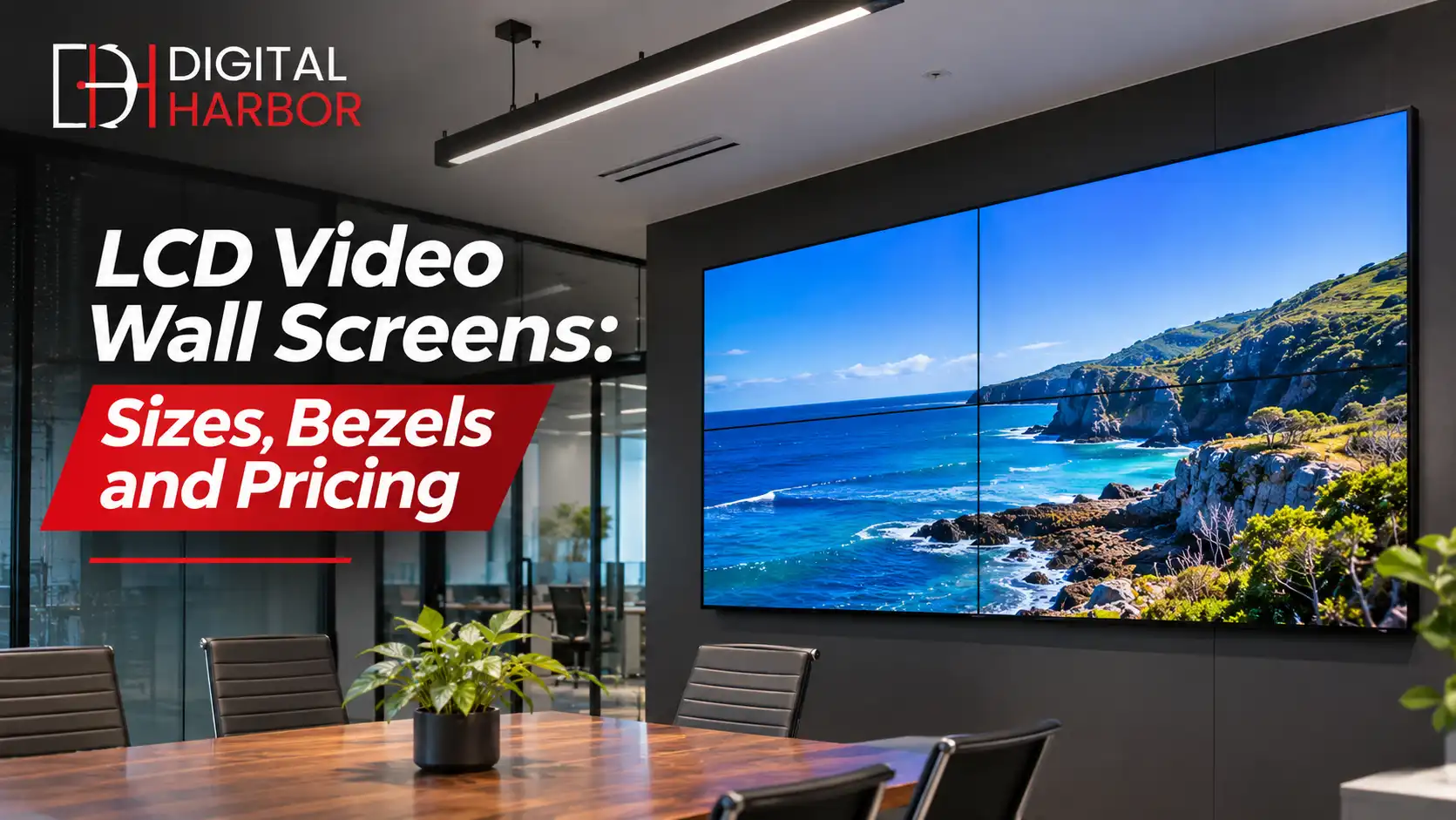
An LCD video wall joins several narrow-bezel commercial screens into one large display. It is the practical choice for offices, control rooms, retail counters and reception areas where the viewing distance is short and the content is detailed. This guide explains how an LCD video wall works, how to size one, and what to check before you buy.
What Is an LCD Video Wall?
An LCD video wall is a grid of professional LCD panels mounted edge to edge and driven by a single controller. The controller splits one source across every screen, so a picture can spread across the whole wall or run as separate windows. Panels use LED backlighting and offer sharp, stable colour at a lower cost per square metre than most LED walls.
Because each panel is a finished monitor, the wall shows thin seams where the screens meet. For most business uses, such as dashboards, announcements, wayfinding and brand video, that seam is easy to design around.
Where an LCD Video Wall Makes Sense
LCD suits spaces where people stand fairly close and read the screen, rather than glance at it from across a hall.
Offices and boardrooms
A video wall behind a reception desk or in a collaboration space shows welcome messages, live data and visitor information. In meeting rooms, a wall can display several sources side by side, which is useful for planning and review sessions.
Control and monitoring rooms
Operations teams use LCD walls to watch many feeds at once, including CCTV, network status and logistics maps. Panels rated for 24/7 use and a controller with source switching are the key requirements here.
Retail and hospitality
Stores use compact walls behind counters or at the end of aisles to show campaigns and product video. Hotels and clubs use them in lobbies for events, wayfinding and sponsor content.
LCD Video Wall Screens: What to Look For
Not every panel is suited to a wall. Compare the specifications that matter, rather than the headline size.
- Bezel width, measured as the combined gap between two screens, since thinner means a less visible seam.
- Brightness, with 500 to 700 nits suiting most indoor spaces and higher values for sunlit areas.
- Resolution, where full HD per panel is common and 4K panels suit close viewing and fine detail.
- Rated hours of operation, ideally 24/7 for walls that run all day.
- Colour and brightness matching between panels, so the wall does not look patchy.
- Panel type, with IPS giving wide viewing angles that suit meeting rooms and lobbies.
Ask whether panels are bought from the same production batch. Mixed batches can show small colour differences that are hard to correct later.
Choosing the Layout and Size
Start with the wall space and the closest viewing distance. A 2 by 2 wall made from 55 inch panels gives about 110 inches of diagonal, which suits a reception wall. A 3 by 3 layout of the same panels creates a much larger canvas for a lobby or control room.
Keep the aspect ratio in mind. Landscape walls match standard video, while portrait or mixed layouts suit signage and menus but need content built for that shape. Your supplier should provide a layout drawing and a content template with exact pixel dimensions.
Mounting and servicing
Walls are mounted on push-to-pop or micro-adjust brackets so each panel can be aligned and removed from the front. Leave enough depth behind the wall for cabling and airflow, and confirm the wall can carry the combined weight, which grows quickly on larger layouts.
Before you order, ask for a visual mock-up that shows the wall on your actual surface, with the panel count and overall dimensions marked. It is a quick way to catch awkward fits around doors, columns and light switches, and it gives your team something concrete to approve. A site visit from the installer will also confirm whether cabling can be hidden inside the wall or needs a surface duct.
Controllers and Content
A video wall controller or processor takes one or more sources and maps them across the panels. Many modern commercial displays include a built-in tiling function for smaller walls, so a separate processor is only needed for larger or more complex layouts.
For ongoing content, a scheduling platform lets you queue playlists by time of day, push updates to several walls and check device health remotely. If your wall will show live data, confirm the source can output at the wall resolution without stretching.
LCD vs LED Video Walls
LCD gives sharper detail up close and costs less for small and medium walls. LED removes the seams altogether and reaches much higher brightness, so it suits larger or brighter spaces. A good rule is to choose LCD for walls under three metres wide in controlled lighting, and consider LED for larger surfaces or sunlit areas.
If you are weighing both, our overview of video wall display options covers the main commercial formats side by side.
What Affects LCD Video Wall Price
The cost of an LCD video wall is the sum of its parts, and the screens are only one of them. Pricing usually reflects these items:
- Panel size, bezel width and brightness rating.
- The number of screens in the layout.
- Mounting frames and brackets.
- Controllers, processors and cabling.
- Installation, alignment and commissioning.
- Warranty and on-site service terms.
Ask for a written quote that lists each item, then compare suppliers on the same scope. Cheaper consumer televisions often cost more over time, because they are not rated for continuous use and rarely include wall tiling tools.
Installation Checklist
- Confirm the wall can support the full weight of the panels and frame.
- Plan power circuits and a data path for each screen.
- Allow ventilation behind the wall.
- Mount the frame, then install and align each panel.
- Calibrate brightness and colour across the whole wall.
- Test with your real content and train staff on the controls.
Checking these points at the quote stage prevents delays on installation day.
Keeping the Wall Looking Good
Clean panels with a soft, dry microfibre cloth and avoid sprays that can run into the bezel. Set a schedule so screens sleep outside opening hours, which extends panel life and cuts power use. Keep firmware current on the controller, and review brightness settings each season as ambient light changes.
Common LCD Video Wall Mistakes
Most problems come from decisions made before the screens arrive. A little planning avoids the usual regrets.
Using consumer televisions
Home TVs have thick bezels, no tiling controls and are not built for long operating hours. They often fail within a year or two on a wall that runs all day, and the warranty may not cover commercial use.
Ignoring the seam in the design
A bezel will always split the image. Keep faces, text and key figures away from the join lines, and use content that treats each screen as part of a larger grid. A designer who knows the wall layout can make the seams almost disappear.
Underestimating the structure
A 3 by 3 wall of 55 inch panels carries a lot of weight. Plasterboard needs the correct fixings into the frame or a dedicated stand, and the installer should confirm the load before drilling.
Skipping the content plan
A wall with nothing worth looking at quickly becomes background clutter. Decide who owns the content, how often it changes and which sources feed it, then test the full workflow before handover.
Example Configurations
These typical layouts show how size and use case fit together. Your site and budget will shape the final design.
- A 2 by 2 wall behind reception for welcome messages and brand video.
- A 3 by 2 wall in a meeting space for side-by-side sources and shared dashboards.
- A 4 by 4 wall in a control room for CCTV, network status and logistics data.
- A narrow 1 by 4 portrait wall in a store entry for promotions and wayfinding.
Frequently Asked Questions
What is the difference between an LCD video wall and a single large TV?
A video wall is built from commercial-grade panels designed to run all day and tile together with very thin bezels. A single large TV is made for a few hours of home viewing, has no tiling controls and often cannot be wall-matched or serviced like a commercial display.
How thin are the bezels on an LCD video wall?
Professional video wall panels often have a combined bezel of around 0.88 to 3.5 mm between screens. The gap is visible on close inspection, but it is small enough that most content reads clearly across the wall.
How many screens do I need for a video wall?
Common layouts are 2 by 2, 3 by 3 and 4 by 2. The right number depends on the wall space, the viewing distance and how much detail your content has. A supplier can mock up the layout against your wall dimensions before you order.
Can an LCD video wall run 24 hours a day?
Yes, if you choose panels rated for 24/7 operation. Commercial video wall panels are built for continuous use, whereas consumer displays are not and tend to fail early.
Will an LCD video wall burn in?
Modern professional panels resist image retention well, but a static logo left on screen for months can still leave a faint ghost. Rotating content or using the screen-saver and pixel-shift tools in the controller avoids the problem.
Get an LCD Video Wall Quote From Digital Harbor
Digital Harbor designs and installs LCD video walls for offices, retail spaces and control rooms across Australia. Tell us your wall size, viewing distance and content, and we will recommend a layout with a written quote. You can also see our recent work or contact us for a free consultation.