Digital menu board prices in Australia range from a single installed screen to a multi-site rollout. This Digital Harbor guide breaks down hardware, software, installation and support costs, shows worked budgets for cafes and restaurants, and explains how to compare quotes.
Picture a cafe that reprints its menu every time the coffee price changes or a seasonal special arrives. The printing bill is small each time, but the delays, the taped-over price stickers and the old menu left on the wall add up. A digital menu board fixes that, and the first question owners ask is always the same: what will it cost?
At Digital Harbor, we quote menu boards for cafes, restaurants and takeaway shops across Australia, so we know where the numbers come from. This guide breaks the price into its parts, shows worked budgets for common business types and explains how to compare quotes without getting caught out by costs that are missing from the first number you see. The figures are typical Australian ranges, not fixed prices, because every site is different.
What Digital Menu Boards Typically Cost in Australia
For most small food businesses, the first-year cost sits in a fairly narrow band. A basic single-screen setup with a commercial display, media player, wall mount and simple software usually starts from about $1,500 to $3,000 installed. A small cafe running three menu screens commonly budgets around $3,700 to $5,500 in the first year, including hardware, installation and software.
Larger restaurants, multi-site groups and outdoor or drive-through boards cost more, mainly because of screen count, brightness and installation work. The sections below show why.
The Four Cost Layers Behind Every Quote
Most suppliers present one total. It is easier to judge when you split it into four layers, and our smart buyer's guide to digital signage pricing in Australia covers each layer in more depth.
Hardware
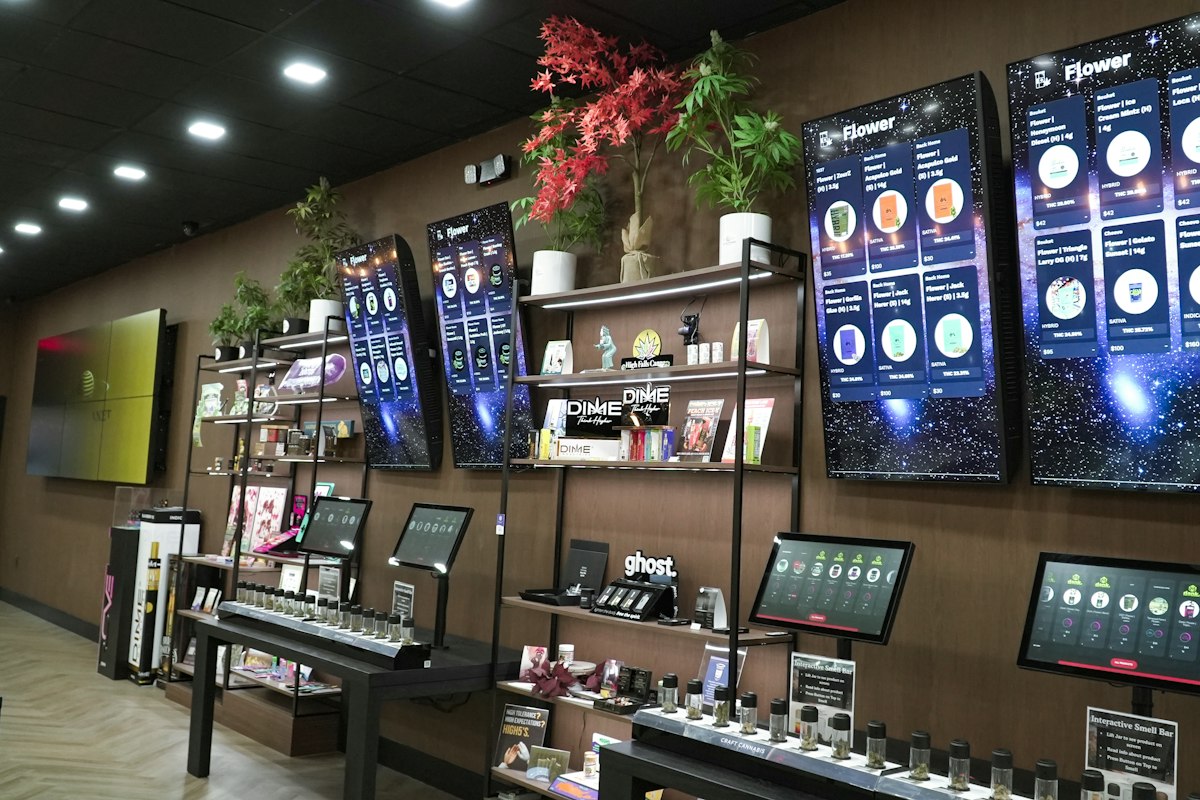
This covers the screens, mounts and media players. Entry-level indoor commercial screens in the 32 to 55 inch range commonly cost $600 to $2,000 per unit. Mid-range commercial displays sit around $2,000 to $6,000. For a typical menu board, most owners choose a 43 to 55 inch commercial display, often mounted in portrait or landscape behind the counter.
Software
The content management system (CMS) is the software you use to build menus, schedule them and push changes to the screens. Basic plans for a single screen run from free to about $30 per month. Mid-tier plans with multi-screen scheduling and analytics cost roughly $50 to $200 per month. Enterprise platforms with data triggers and POS integration can run $300 to $1,000 or more.
Installation
A single indoor screen usually costs $200 to $600 to install. Multi-screen or more complex sites cost about $1,500 to $5,000 or more, depending on cabling, ceiling height and power. Outdoor or structural installations often cost $3,000 to $10,000 or more. Our article on installing digital signage systems in Sydney venues explains what the installer actually does.
Support and maintenance
Hardware warranties commonly run one to three years. Annual support contracts range from about $500 to $3,000 depending on scale. Some suppliers also offer content design and refresh services, which cost more but save staff time.
Three Worked Budgets for Real Business Types
The examples below use the ranges above. They are planning figures, not quotes.
- A small cafe with three screens spends about $2,400 on three commercial displays, around $800 on installation and roughly $40 per month on software. That puts the first year at about $3,700 to $5,500 once you allow for mounts, players and a margin for variation.
- A restaurant with five screens might spend $4,000 to $6,000 on hardware, $1,500 to $2,500 on installation and $600 to $1,200 a year on software. The first-year total comes to about $6,100 to $9,700.
- A group of three cafes with three screens each might spend $7,200 to $10,800 on hardware, $2,400 to $3,600 on installation and $600 to $2,400 a year on a multi-location plan. The first-year total comes to about $10,200 to $16,800.
Software costs are lower than hardware in the first year, but they continue every year, so include them in any multi-year comparison.
Why Outdoor and Drive-Through Menu Boards Cost More
Outdoor boards must stay readable in direct sun and survive rain, dust and summer heat. That means high-brightness panels, often 2,500 to 5,000 nits compared with 300 to 500 nits for indoor screens, plus weatherproof enclosures and cooling. As a rule, outdoor installations cost two to four times their indoor equivalents. Hardware for outdoor screens commonly runs $4,000 to $15,000 or more per unit, and installation can add $3,000 to $10,000.
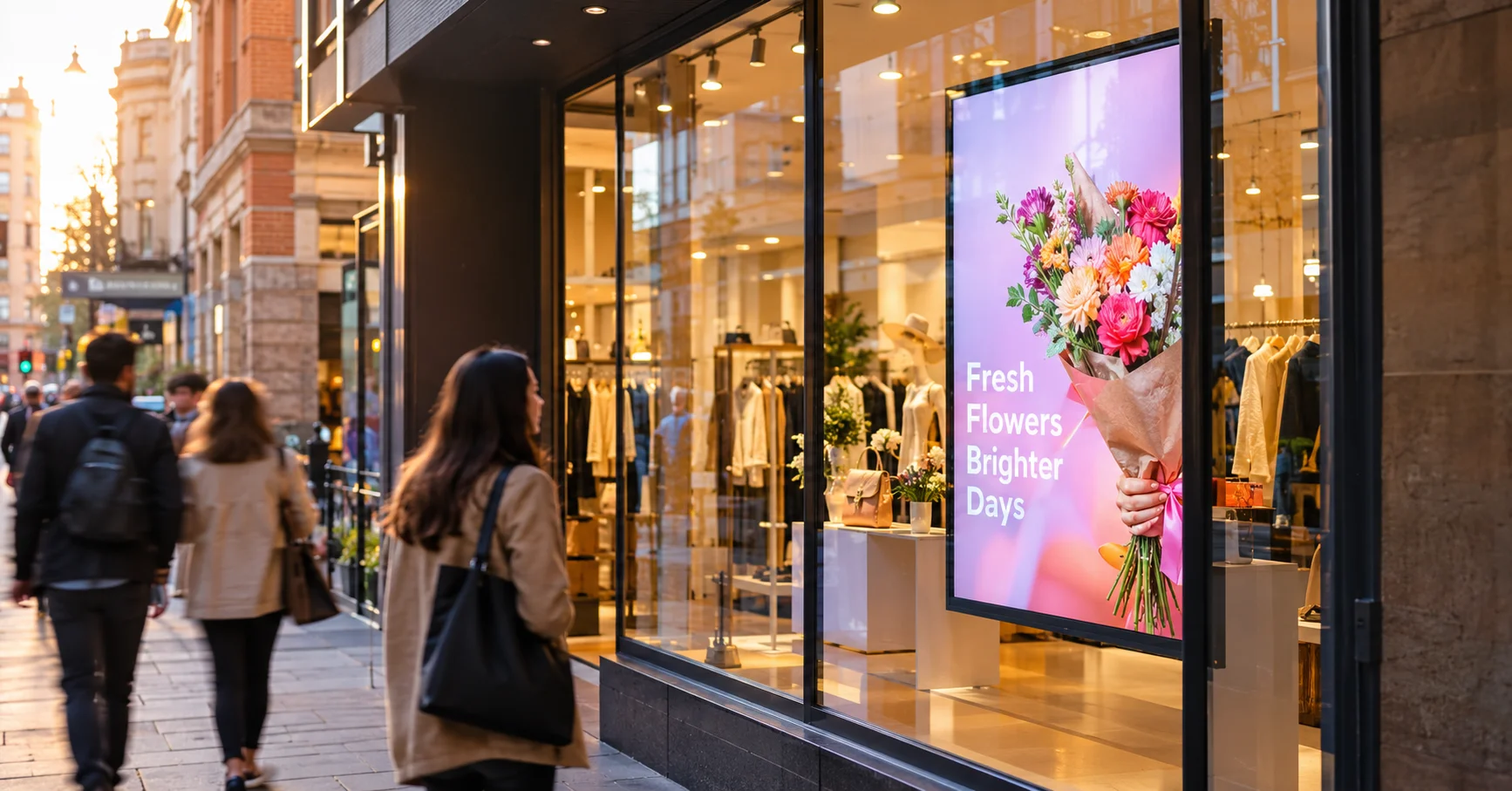
If your menu sits behind a window or faces the street, you may only need a window-facing high-brightness model. Our digital window display and outdoor LED screens pages show the options.
Digital vs Printed Menu Boards: A Simple Cost Comparison
Printed menus look cheap because each print run is small. To compare fairly, add up what you spend in a year on printing, design changes, delivery, replacement frames and the staff time spent swapping menus. Then compare that total with the yearly cost of a digital system, including software.
Here is a simple example. If you spend $150 a month on reprints and updates, that is $1,800 a year. A $4,500 digital setup would pay back in about two and a half years on print savings alone. That figure ignores any sales benefit, which is where the real return often sits, so treat it as a conservative starting point.
Hidden Costs That Catch Owners Out
- Content creation. Menu designs, photography and animation cost extra if you outsource them, and professional content design services commonly run $500 to $2,000 per month.
- Power and cabling. Screens placed far from a power point or network port need extra cabling or electrical work.
- POS integration. Linking menu prices to your point-of-sale system is useful, but it often needs a higher software tier or a setup fee.
- Future upgrades. Mounts and cabling that can take a larger or newer screen save money in three to five years.
- Consumer TVs. A cheap TV looks like a saving until it fails early or voids its warranty in a commercial setting.
Ways to Lower the Cost Without Cutting Quality
- Start with the screens customers see first, such as the counter menu, and add others later.
- Use ready-made menu templates and update them yourself instead of paying a designer each time.
- Choose the right size. A 55 inch screen is not always better than two 43 inch screens placed well.
- Bundle installation across screens or sites, because the per-screen labour cost drops.
- Ask your accountant how business equipment purchases are treated for tax, since rules and thresholds change.
How to Compare Digital Menu Board Quotes
- Check that every quote names the exact screen model, brightness and warranty length.
- Ask whether software is included, and whether it is billed per screen or per location.
- Confirm what installation covers, including mounts, cabling, power and testing.
- Ask what support is included after installation and how fast the supplier responds.
- Request an itemised total for the first year and for year three.
A quote that is far cheaper than the others often leaves out one of these layers, which turns into an extra invoice later.
Choosing Screen Size, Brightness and Orientation
Cost follows the screen you choose, so it helps to match the screen to the room before you ask for prices. Counter menus are usually read from two to four metres away, which suits a 43 to 55 inch display. Larger rooms, or queues that stretch back from the counter, may need bigger screens or more screens spaced along the wall.
Portrait layouts suit narrow walls and single-category lists such as drinks. Landscape layouts suit multi-category menus with photos. Brightness matters when a screen sits near a window, because glare washes out standard indoor panels. A higher-brightness commercial model costs more, but it avoids a menu that nobody can read at lunchtime.
Subscription Software vs One-Off Licences
Menu board software is priced in two main ways. Subscription plans charge a monthly or yearly fee per screen or per location and usually include updates, cloud storage and support. One-off licences charge once, but updates and support may cost extra, and the software often runs on a local computer or player that you manage yourself.
For most cafes and restaurants, a cloud subscription is easier because staff can edit the menu from a phone or laptop and changes appear on every screen within minutes. Whichever you choose, ask what happens to your menus if you stop paying, whether you can export your designs and how many staff can log in. Those answers decide whether the software feels cheap now and expensive later.
Does a Digital Menu Board Pay for Itself?
Results vary by business, so be wary of any supplier who promises a fixed return. What menu boards do well is simple: you can feature high-margin items, change prices in minutes and remove printing from your routine. Track your average order value, your print spend and the time staff spend on menu changes for a month before and after installation, and you will see your own numbers rather than someone else's average.
For layout ideas that help the screens earn their place, read our guide to digital menu boards for cafes and restaurants. If you are not sure which sign type fits, our explainer on electronic signs vs digital signs vs LED signs helps, and our 12 creative ways to use digital signage screens shows how to use screens beyond the menu.
How Digital Harbor Can Help
Digital Harbor is a Sydney-based team that supplies and installs digital menu boards for food businesses across Australia. We start with your space and your menu, recommend the right screens and software, and give you an itemised quote that shows every layer.
See our digital menu display options, browse our recent work, or contact us for a free consultation. Send us your menu size, number of screens and site details, and we will come back with a clear first-year budget.