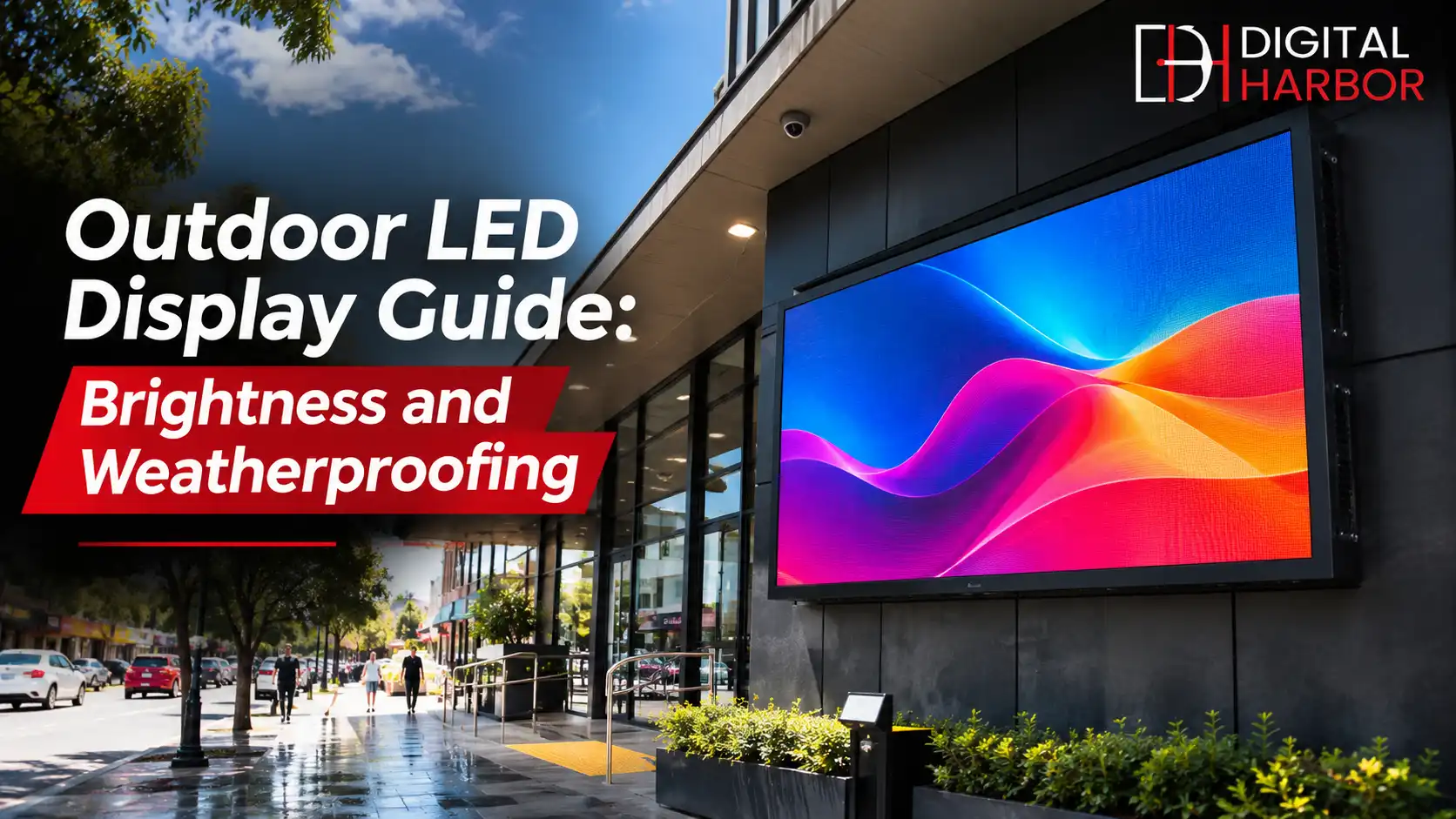
An outdoor LED display has to stay readable in full sun and survive rain, heat and dust. This Digital Harbor guide explains brightness, IP ratings, pixel pitch, cooling, approvals and maintenance so you can choose a screen that lasts on Australian streets.
An outdoor screen has a harder job than an indoor one. It has to compete with the sun at noon, survive a summer storm, keep working through a heatwave and still look sharp to a driver passing at 50 km/h. Many businesses buy on price, then find the screen fades in the afternoon or fails after the first wet season.
At Digital Harbor, we supply and install outdoor LED displays for shopfronts, venues, car yards, sporting facilities and roadside sites across Australia. This guide covers the specifications that matter most: brightness, weatherproofing, pixel pitch, cooling, approvals and maintenance. If you are ready to look at products, visit our outdoor LED screens page.
Why Outdoor LED Is Different From Indoor
An indoor LED or LCD screen is built for stable temperatures and controlled light. An outdoor screen faces direct sunlight, rain, dust, wind, humidity, salt air and big temperature swings, sometimes in a single day.
That is why outdoor models use brighter LEDs, sealed cabinets, better cooling and tougher power supplies. Using an indoor product outside, even under a covered area, is one of the quickest ways to shorten a screen's life. For a wider comparison of screen types, see our explainer on electronic signs, digital signs and LED signs.
Brightness: How Many Nits Do You Need?
Brightness is measured in nits (candelas per square metre). A typical indoor display sits at a few hundred nits. Outdoor LED displays commonly run from around 5,000 to 8,000 nits, and screens in full direct sun can need more to stay readable.
Several factors change the number you need:
- Direction: a screen facing west gets low sun in the evening, which can wash out the picture.
- Shade: a screen under an awning needs much less than one on an open pole.
- Viewing distance: close viewers can read a dimmer screen than drivers at 40 metres.
- Content: bold, high-contrast artwork stays readable at lower brightness than detailed photos.
More brightness is not always better. At night, a screen at full daytime brightness is glaring, wastes power and can break council rules. Choose a screen with an ambient light sensor that adjusts brightness automatically through the day.
Weatherproofing and IP Ratings
IP stands for ingress protection. The first digit rates protection against dust and solid objects, and the second rates protection against water. IP65, a common outdoor minimum, means the enclosure is dust-tight and protected against jets of water. Higher second digits suit harsher exposure.
Look at more than the number on the datasheet:
- Check the rating for both the front of the modules and the rear of the cabinet.
- Ask about gaskets, seals and conformal coating on circuit boards.
- For coastal sites, ask about corrosion-resistant frames and fixings, since salt air attacks bare metal quickly.
- Confirm cable entries and power boxes are rated for outdoor use too.
A strong rating on the screen does not help if a junction box on the pole lets water in. Ask the installer how the whole system is protected, not only the display.
Heat, Cooling and Australian Conditions
Heat is a bigger risk than rain in much of Australia. A dark cabinet in direct summer sun can run far hotter than the air around it, and heat shortens the life of LEDs and power supplies. Check the operating temperature range, and ask how the cabinet is cooled.
Some screens use fans and filters, others use sealed designs with heat sinks or air conditioning. Fans need regular cleaning in dusty areas. Sealed designs stay cleaner but need careful thermal design. If your site sees long heatwaves, ask for the supplier's experience with similar installations.
Pixel Pitch for Outdoor Viewing Distance
Pixel pitch is the distance between the centres of two LEDs. A smaller pitch gives a sharper image but costs more. Outdoor screens are usually viewed from further away, so a larger pitch is often fine.
As a starting point, the minimum comfortable viewing distance in metres is roughly equal to the pitch in millimetres. A 10 mm pitch screen suits viewers 10 metres or more away, so it works well for roadside signs, while a 4 or 5 mm pitch suits a shopfront where people walk past at close range. Ask for a sample or a demo at your real viewing distance. Our custom LED display page shows size and pitch options.
Screen Size, Shape and Mounting
Outdoor LED screens are built from cabinets, so you can choose almost any size. Pick a size by working backwards from the content: how much text, how big the smallest letter needs to be and how far away the nearest and farthest viewers stand.
Mounting must handle wind load, weight and access for servicing. A freestanding pole screen, a wall-mounted unit and a rooftop installation each have different structural needs. A qualified structural engineer should sign off larger installations, and your installer should explain who is responsible for the footings, power and certification.
Council Approval and Regulations
Illuminated signs usually need approval in Australia. Local councils and state road authorities set rules on size, brightness, animation, dwell time and operating hours, especially near roads and in residential areas. Rules differ by council and by zone.
Before buying, check with your local council about development approval, brightness limits at night and any restriction on moving content. A good installer will help prepare the information the council asks for, but the approval process is still your responsibility as the owner.
Power, Controllers and Remote Management
An outdoor screen should not need a ladder to change a message. Look for a controller that supports remote content updates, scheduling, brightness control and status reporting. Remote monitoring can alert you to a failed module, a temperature warning or a lost connection before customers notice.
Plan the power supply early. Large screens draw significant power, so check circuits, surge protection and backup options with your electrician. A power cut or a lightning strike should not take down the whole system.
Content That Works Outdoors
Outdoor content is seen for seconds, not minutes. Use large text, short messages, high contrast and one idea per slide. Avoid thin fonts, small logos and detailed photos that disappear at a distance.
- Keep each message to a handful of words.
- Use bold colours that stay readable in full sun.
- Hold each slide long enough to read, and avoid fast transitions near roads.
- Schedule offers by day and time, such as a lunch special in the morning.
For ideas on content that sells, read our guide on how to make your shopfront stand out to passersby.
Front Service or Rear Service?
Outdoor cabinets are serviced from the front, the rear or both. Front service lets a technician remove a module from the viewing side, which suits screens fixed flat to a wall or built into a facade where there is no space behind. Rear service suits freestanding structures with a walkway behind the screen. Decide this before the structure is built, because changing access later usually means rebuilding the frame.
Lightning, Surge and Wind Protection
Australian storms bring lightning, strong gusts and sudden power surges. Ask your installer about surge protection on the power and data lines, proper earthing and the wind rating of the structure. A screen can survive heavy rain and still fail from a surge, so the electrical protection matters as much as the enclosure.
For tall poles or exposed rooftop screens, ask whether an engineer has certified the structure for the local wind region. That certificate also helps when you talk to your insurer.
Questions to Ask Your Supplier
- What brightness does the screen deliver after two years of use, not only on day one?
- Which IP rating applies to the front, the cabinet and the power box?
- Where are spare modules stored, and how fast can they arrive?
- Who handles council paperwork and structural sign-off?
- Can I see a similar outdoor installation that has been running for a few years?
Cost, Warranty and Lifespan
Outdoor LED displays cost more than indoor ones because of brighter modules, sealed cabinets and tougher electronics. Prices vary widely with size, pitch, brightness and installation, so ask for an itemised quote that covers the screen, controller, structure, power, installation and commissioning.
Quality outdoor modules are commonly rated at around 80,000 to 100,000 hours. Ask for the warranty length, what it covers, whether it includes labour and how quickly spare modules are available in Australia. The cheapest quote can be the most expensive over five years if parts take weeks to arrive. Our buyer's guide to digital signage pricing explains how to compare quotes.
Maintenance Checklist
Outdoor screens need light but regular care. A simple schedule keeps problems small.
- Clean the screen surface and any fan filters every few months, more often near roads or construction.
- Check seals, cable entries and fixings after severe storms.
- Test brightness control and the temperature log in summer.
- Replace any failed module quickly so patches do not spread.
- Back up your content and controller settings.
Common Mistakes to Avoid
- Using an indoor screen in a covered outdoor spot and expecting it to last.
- Choosing brightness for the sunniest hour and leaving it there all night.
- Ignoring council rules until after the screen arrives.
- Picking a very fine pitch for a roadside sign, which adds cost with no visible gain.
- Forgetting access for servicing, which turns a small repair into a crane job.
How Digital Harbor Can Help
Digital Harbor is a Sydney-based team that supplies, installs and supports outdoor LED displays across Australia. We look at your site, sun direction, viewing distance and local rules, then recommend a screen with the right brightness, protection and pitch, and give you a clear itemised quote.
See our outdoor LED screens, explore our recent work or contact us for a free site consultation. If your venue also needs indoor displays, our digital signs in Sydney service covers both.