Perth sun, heat and busy retail strips shape which digital signs work. This Digital Harbor guide compares indoor and outdoor digital signage for WA businesses, covering brightness, weatherproofing, approvals, budget and content.
A cafe in Fremantle, a car yard on Albany Highway and a medical clinic in Subiaco all want a screen that gets noticed. What they need from that screen is very different, and Perth adds demands that southern-state guides rarely mention: strong sun, long hot summers and busy retail strips where every shopfront competes for the same few seconds of attention.
This guide explains how to choose digital signage in Perth, from indoor menu boards and reception screens to outdoor LED displays facing the street. It covers how local conditions affect equipment, what approvals to check, how to plan a budget and how to keep content working once the screen is on. If you want to see the range first, visit our digital signage Perth page.
Why Perth Conditions Change the Specification
A screen that looks fine in a showroom can struggle on a Perth street. Four local factors matter most.
- Sun: direct light for much of the year washes out standard indoor displays, especially on west-facing frontages in the afternoon.
- Heat: summer temperatures push electronics hard. Enclosures need proper cooling, and consumer screens are not rated for it.
- Dust and salt air: dust affects fan-cooled cabinets, and coastal suburbs add salt, which attacks bare metal fixings.
- Distance: many Perth shopping strips and roads are wide, so viewers are often further away and need larger text.
These factors do not rule anything out. They simply change which product suits which spot, which is why a site visit before ordering saves money.
Indoor Digital Signage Options
Indoor screens cover most small business needs and cost less than outdoor equipment. The common formats are listed below.
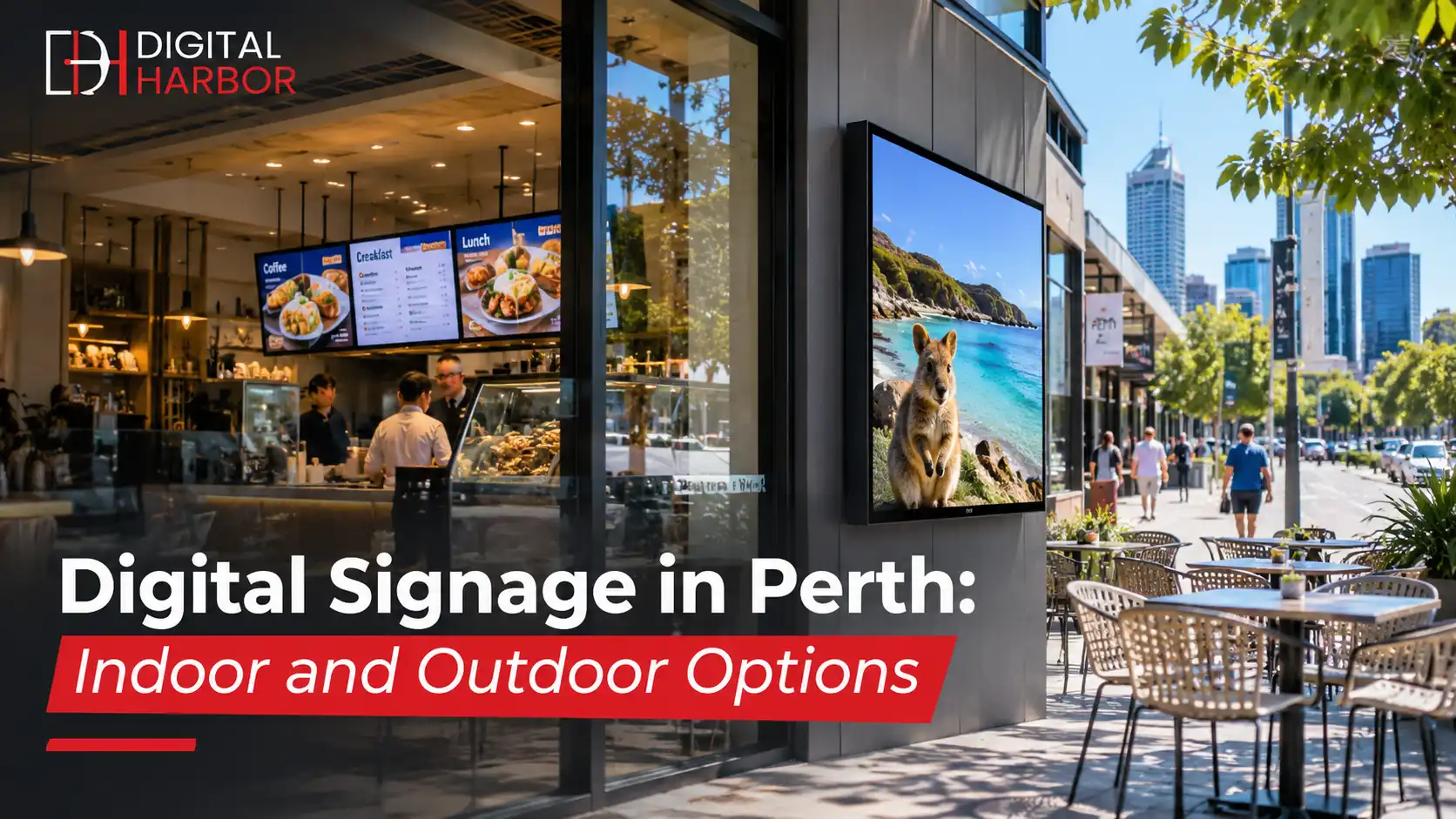
Digital menu boards
Cafes, restaurants and takeaway shops use screens to show prices and specials and to change them in minutes. They suit a counter wall, a queue side or a drive-up window. Our digital menu display range is built for this job, and a clear layout with short item names and aligned prices does more for speed of service than a bigger screen.
Reception and waiting room screens
Clinics, offices, gyms and salons use screens to welcome visitors, show opening hours and promote services while people wait. Portrait screens suit directories, and landscape suits video and slideshows.
Interactive displays
Touch screens let visitors browse products or search a directory. They cost more and need thoughtful content, so use them where interaction is the point, such as an interactive display in a showroom.
Window displays
A high-brightness screen behind glass turns a shopfront into a moving poster. In Perth, window screens need extra brightness and often anti-glare treatment, so choose a model made for it. See our window display options.
Outdoor Digital Signage Options
Outdoor equipment is sealed, much brighter and designed for Perth weather. It costs more, and it is the only option for forecourts, roadside signs and open frontages.
- Brightness: outdoor LED displays commonly run at several thousand nits, enough to stay readable in direct sun. Look for automatic brightness control so the screen dims at night.
- Protection: an IP65 rating is a common minimum, meaning the cabinet is dust-tight and protected against water jets.
- Cooling: ask how the cabinet handles heat, and what happens during a long run of 40 degree days.
- Structure: poles and frames need to suit local wind loads and be signed off for larger installations.
Our outdoor LED screens are made for this environment.
Which Option Suits Your Business?
Match the format to the job the screen has to do.
- Cafe or takeaway: a digital menu board inside, plus a bright window or pavement screen for specials.
- Retail shop: a window display to stop passers-by, and a feature screen inside for promotions.
- Car yard or showroom: an outdoor LED sign for offers that drivers can read from the road.
- Clinic, gym or office: reception screens for information, schedules and service promotion.
- Venue or event space: large LED or video wall for sponsors and live content.
If your goal is a big, bright feature wall, see our video wall display options.
Approvals and Rules in Western Australia
Indoor signs rarely need approval. Street-facing, illuminated and outdoor signs often do. In Western Australia, local governments set rules on sign size, illumination, moving images and placement, and Main Roads WA may apply extra conditions near main roads. Landlords, strata managers and shopping centre owners can also set their own limits on shopfront and facade changes.
Check these before you order. A screen that cannot be switched on is an expensive ornament. A good installer will help you prepare the information the council asks for, but the approval process is the owner's responsibility. Electrical work must be done by a licensed electrician.
It also pays to think about timing. Perth has busy trading periods around school holidays, long weekends and the lead-up to Christmas, and an installation that lands in the middle of one is harder on staff and customers. Book the work for a quieter week, and have your first set of messages ready so the screens start earning attention on day one.
Planning Your Budget
Price depends on a few clear factors, which is why an itemised quote matters.
- Screen size, brightness and weather rating.
- The number of screens and the mounting structure.
- Media players, software licences and ongoing support.
- Installation, power and data cabling.
- Content creation, if you need a designer.
Ask what is included in the quote and what is extra, especially software subscriptions. Our guide to digital signage pricing in Australia explains how to compare quotes.
Content That Works on Perth Streets
Good hardware can still fail with weak content. These habits help.
- Keep messages short. Passers-by look for a few seconds.
- Use large text and strong contrast, with one idea per slide.
- Schedule content by time of day, such as breakfast offers in the morning and happy hour in the evening.
- Refresh often so regulars see something new.
- Add a clear next step, such as a short web address or a line that says to ask at the counter.
The same principles apply on any busy Australian street.
Installation and Ongoing Support
The best equipment still needs a reliable service plan. Before you sign, ask who installs the screen, who fixes faults and how quickly they respond. For LED, ask where spare modules are held, because a part imported on demand can leave a dark patch on your sign for weeks. Plan power and data cabling early, so cables are hidden and safe, and leave access for servicing.
Where to Place Screens on a Busy Perth Strip
Placement decides results more than screen size. On a busy strip such as a Northbridge street or a Fremantle lane, most people see your frontage while walking at pace or sitting in a car at a light, so the screen has to be readable in a glance and sit where the eye already goes. Mount window screens close to the glass at eye level, and keep outdoor signs clear of trees, awnings and neighbouring signs that block the view. Stand across the road at different times of day, and note where sun and reflections hit the glass. Those few minutes of checking often change which model you buy.
Inside, put screens where people wait or pause: at the counter, in the queue, near the lift or beside the fitting rooms. A screen over the till can promote add-ons at the moment customers decide, while a screen near the entrance is better for announcing specials and opening hours.
Heat, Energy and Running Costs
A bright screen draws real power, and in Perth summers the cooling load adds to it. Running costs depend on screen size, brightness and hours of use, so ask for an estimate in the quote. A few habits keep costs down without hurting visibility.
- Use automatic brightness control, so the screen dims in the evening and at night.
- Schedule the screen to switch off after closing time.
- Choose a screen rated for the hours you plan to run it, and leave space around it for airflow.
- Keep vents and filters clean, especially in dusty areas.
Heat is also the main cause of early failure, so a well-ventilated mounting spot is worth planning from the start. A screen boxed into a small cavity without airflow will run hotter and age faster than the same screen mounted in the open.
What to Prepare Before Installation Day
Installation goes faster when the basics are ready. A single indoor screen is often installed in a day once the equipment arrives, while outdoor signs and larger walls need more time for structure, approvals and electrical work.
- Confirm the wall type, so the installer brings the right fixings.
- Arrange power and data points close to the screen position.
- Have your logo, photos and first set of messages ready, so the screen launches with real content.
- Nominate one staff member to learn the software and make updates.
- Keep the warranty paperwork and the support contact in one place.
Common Mistakes to Avoid
- Putting an indoor screen behind a west-facing window and expecting it to be readable in the afternoon.
- Buying consumer TVs for all-day use and losing the warranty when one fails.
- Leaving the screen at full brightness all night.
- Ignoring council rules until after the screen arrives.
- Packing too much text onto a screen that people read from a distance.
A Simple Checklist Before You Buy
- Decide the job for each screen: sell, inform or direct.
- Choose indoor, window or outdoor format for each location.
- Check sun direction and viewing distance on site.
- Confirm brightness, weather rating and warranty for business use.
- Check approvals with your council and landlord.
- Plan content before installation day.
- Agree who provides ongoing support.
How Digital Harbor Can Help
Digital Harbor supplies, installs and supports digital signage for businesses across Australia, including Perth. We start with your site, goals and budget, recommend the right indoor, window or outdoor displays and give you an itemised quote with software and support listed.
See our recent work or contact us for a free consultation.